


 Menu
Menu
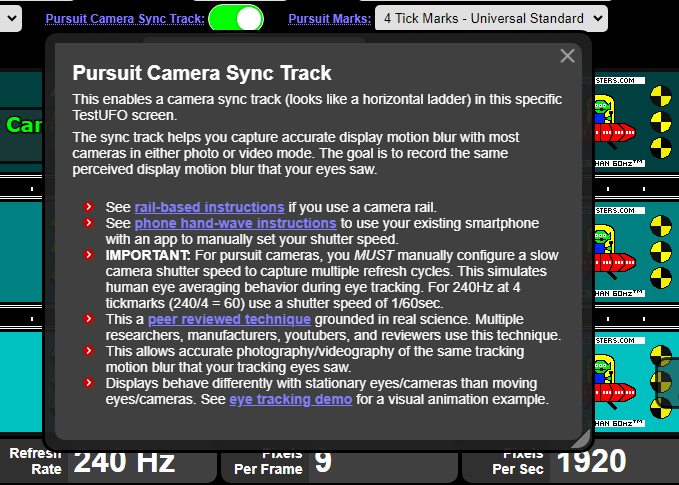
New Information Tooltip Windows
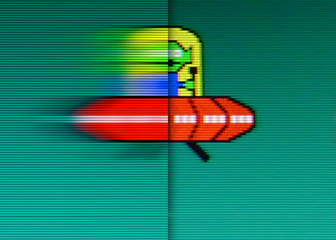
Several TestUFO screens now have discreet information panels that appears when you click on certain setting names. The popular TestUFO Ghosting test has been updated with helpful new instructions for display reviewers and content creators who use this popular test.
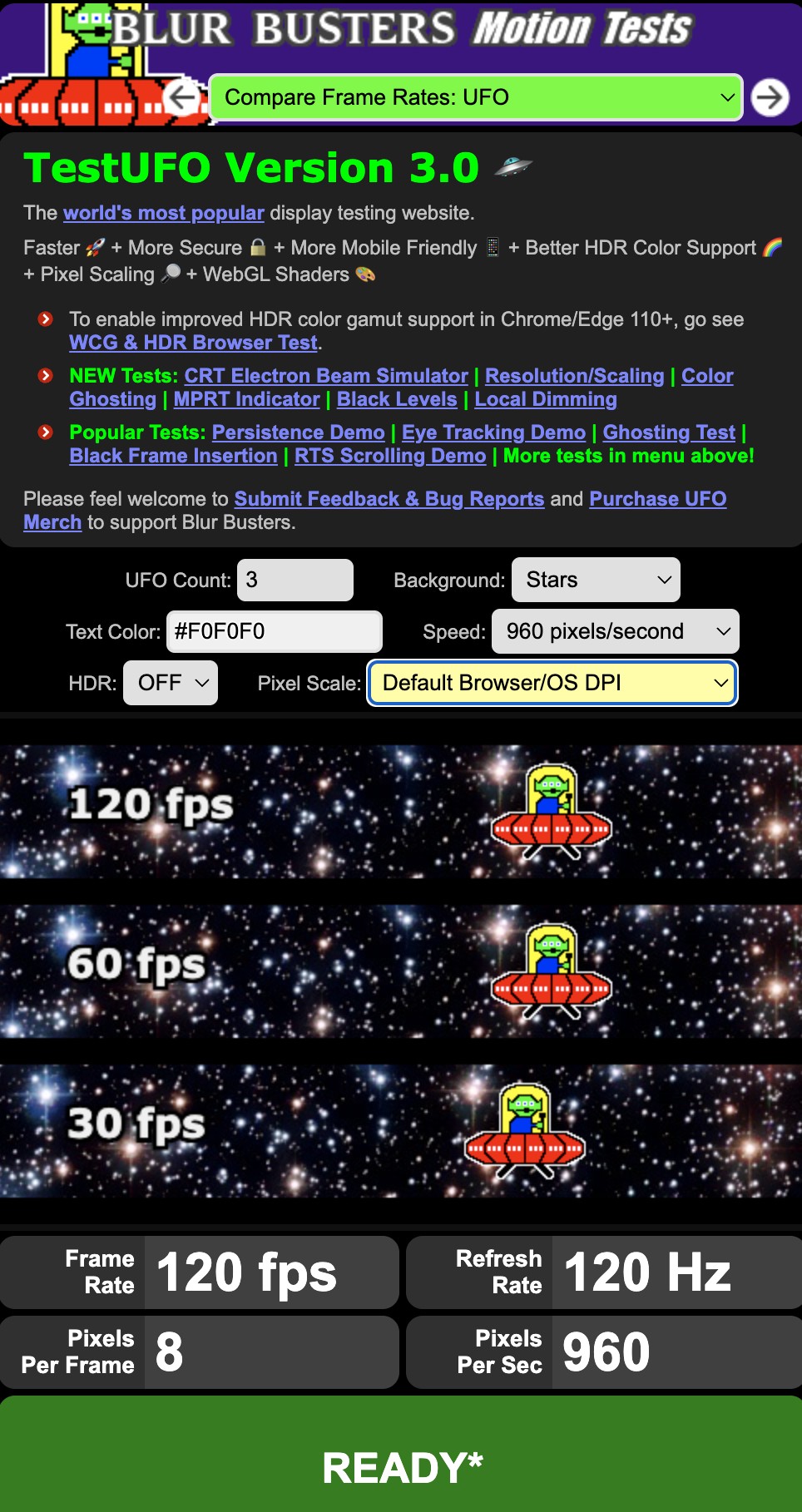
Mobile Device Support – iPhone, iPad and Android
TestUFO now supports mobile devices, and you can now test almost any screen capable of running a web browser.
TestUFO was able to implement a full screen mode that works on an iPhone, too. To enter full screen mode on an iPhone, tap the animation before rotating your phone to landscape. The motion test will zoom to fill nearly your whole screen on your phone. If the browser bar later shows up, flick scroll upwards to autohide it again.
Language Translation Friendly
Most browsers will now reliably translate the TestUFO user interface (including tool windows such as color picker, which now Translate properly).
The translation feature in Chrome, Edge, Brave and Firefox has been successfully tested with TestUFO 3.0.
TestUFO is 1000 Hz Ready*
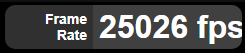
Displays on the market have reached 600 to 720 Hz, and new displays with 1000 Hz refresh rates are hitting the market. Fortunately, TestUFO has been tested to over 25,000fps in undocumented VSYNC OFF tests!
However, special configuration instructions may be required for good VSYNC at 1000fps 1000Hz. We have discovered that ANGLE D3D11 backend in Chromium has bugs above about 500fps during VSYNC ON.
By the time you read this, your browser may have been bug fixed. If you’re getting the green-color ‘READY’ today, then these instructions are now obsolete. However, these instructions are provided for urgent convenience.
Despite sub-1ms frametimes, many browsers have difficulties running at above 500fps during VSYNC ON due to the ANGLE issue. We have discovered that ANGLE D3D9 enables almost 10x frame rate of ANGLE D3D11 during VSYNC ON mode.
*Special Instructions for 500fps, 720fps, 1000fps & Higher
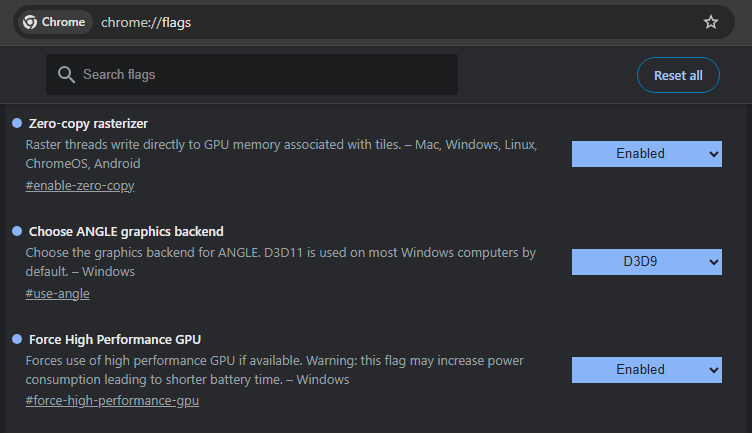
Instructions only if you fail to ever get a green “READY” at your futuristic refresh rate. For a Chromium-based web browser such as Chrome, Edge, Brave:
- Enter chrome://flags in your browser bar and press Enter
- You will see an advanced browser settings screen.
- Search for the following settings:
Zero-copy rasterizer -> Enabled
Choose ANGLE graphics backend -> D3D9
Force High Performance GPU -> Enabled
NOTE: Once the browser frame rate problems with ANGLE D3D11 is fixed, we will inform users to switch the setting back.
TestUFO on Social Media
This announcement has been posted on: BlueSky, X.com, Mastodon, and Facebook.